Save time. Get the juice.
Skip the noise. Get the point.
Free extension for Chrome. Firefox coming next.
Choose how hard to squeeze
The Italian Wikipedia article on the lemon, summarized by {LemonSqueezer} at the extension's three lengths.
2.502Full article
 LemonSqueezer
Il limone è un albero da frutto appartenente alla famiglia delle Rutaceae. Il nome comune limone si può riferire tanto alla pianta quanto al suo frutto.
Works on

Articles, blogs, documentation, newsletters.
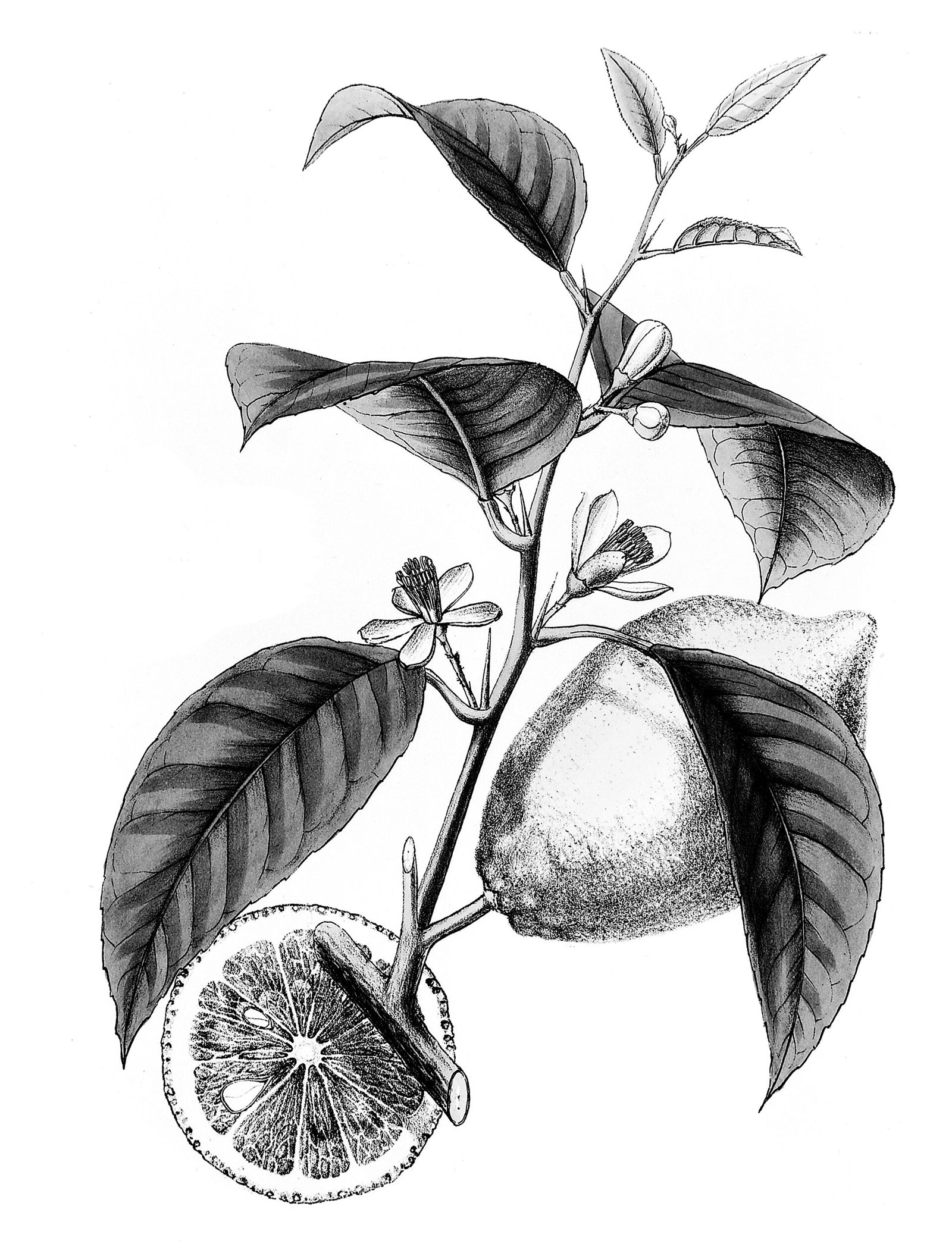
Lemon squeezer, engraving from 1897
YouTube and any video with subtitles. With Premium, also videos without subtitles, from the audio.
Citrus limonum, botanical plate
Online, or a file on your disk opened in the browser.
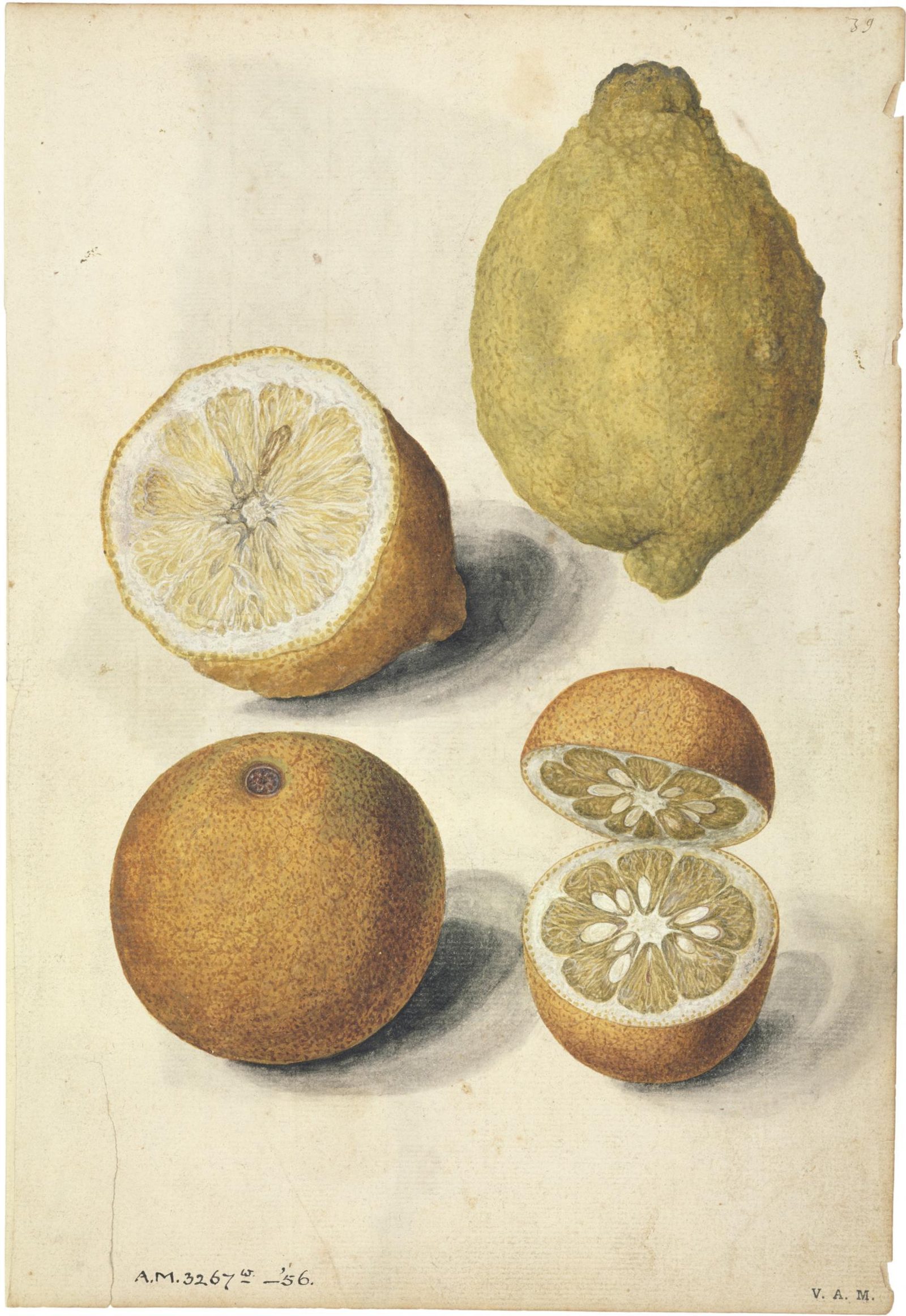
Lemon and oranges, Jacques Le Moyne de Morgues, about 1575
The details

Plans
Sign in with Google or email. Interface in English, Italian, Spanish, French and German. Summaries in the language you choose.
1.99 €/ month
Premium · For people who read a lot. or 14.99 € per year · VAT included
- Unlimited summaries
- PDF documents, online or from your computer
- Videos without subtitles, transcribed from the audio
- Everything in Free
Free
0 € forever
5 summaries to try. Then 1 summary per day. Web pages and videos with subtitles.
Business
Custom
Everything in Premium, for the whole team. Extended privacy: no texts or summaries stored on our servers. Contact us
Do you have promotion codes?
Have a promotion code? Enter it at checkout.
Questions
SendingWhat is sent, and when?
Only when you press Summarize. The text of the page — or the subtitles, the PDF text, or for Premium the video audio — goes to our servers and to OpenAI to generate the summary. Nothing is read or sent in the background.
StorageWhat do you store, and for how long?
Your account data (name, email) for as long as the account exists. A copy of each result for up to 24 hours. Video transcripts for at most 24 hours. Usage events keep only the site domain, for at most 13 months. PDF files are not stored.
SellingDo you sell my data?
No. Never.
Free quotaHow many summaries are free?
5 to try, then 1 per day. Premium, with unlimited summaries, is coming soon.
ContentWhat content does it work on?
Web pages, YouTube and any video with subtitles. With Premium, also PDF documents (online or a file from your computer) and videos without subtitles, transcribed from the audio.
LanguagesWhich languages?
The interface is in English, Italian, Spanish, French and German. The summary is written in the language you choose in the extension.